

Guest WiFi vs Device WiFi: Why Hotels Need Two Networks
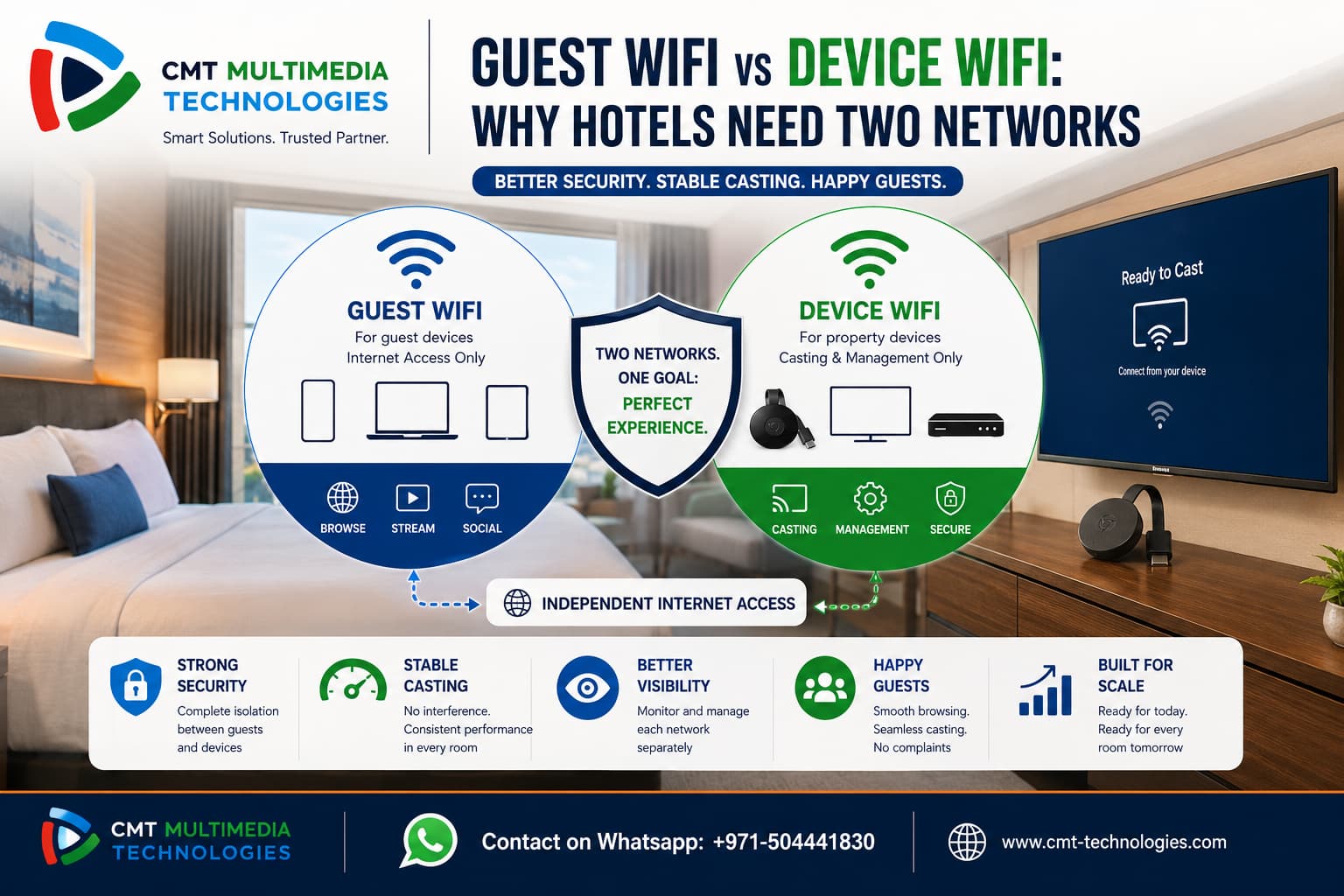
Many hotels run one WiFi network for everything. Guests browse the internet, and Chromecasts sit on the exact same network.
However, this setup often leads to the same problems we described in our post on guest casting wrong room issues. According to Google’s Cast developer documentation, Chromecast expects a controlled, trusted network to function properly.
So, this blog explains guest wifi vs device wifi, why the difference matters, and how hotels should separate the two.
What Is the Difference Between Guest WiFi and Device WiFi?
Guest WiFi exists for guest-owned devices. Phones, laptops, and tablets connect here simply to browse the internet.
Device WiFi is different. It exists for property-owned hardware, such as Chromecasts, smart TVs, and other connected equipment. These devices need a stable, trusted network to function correctly, not general internet access shared with strangers.
The distinction is not just naming. Each network serves a fundamentally different purpose, with different security and performance requirements attached to it.
Why Hotels Mix These Networks by Default
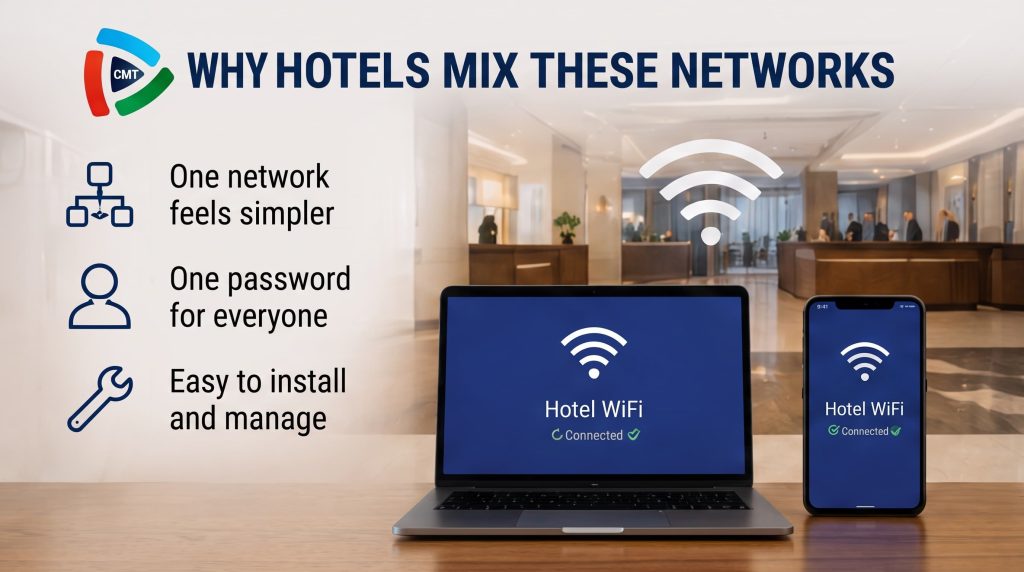
Most properties install one WiFi network because it feels simpler. One network, one password, one setup process.
This works fine for basic browsing. However, it quickly breaks down once Chromecasts and casting features enter the picture. A network built for browsing was never designed to handle device discovery, casting traffic, and hardware management at the same time.
Most IT teams do not realize this until problems already show up. By the time guests start complaining, the underlying network design is usually the actual cause.
The Real Problems With One Shared Network
Security Exposure Between Guests and Devices
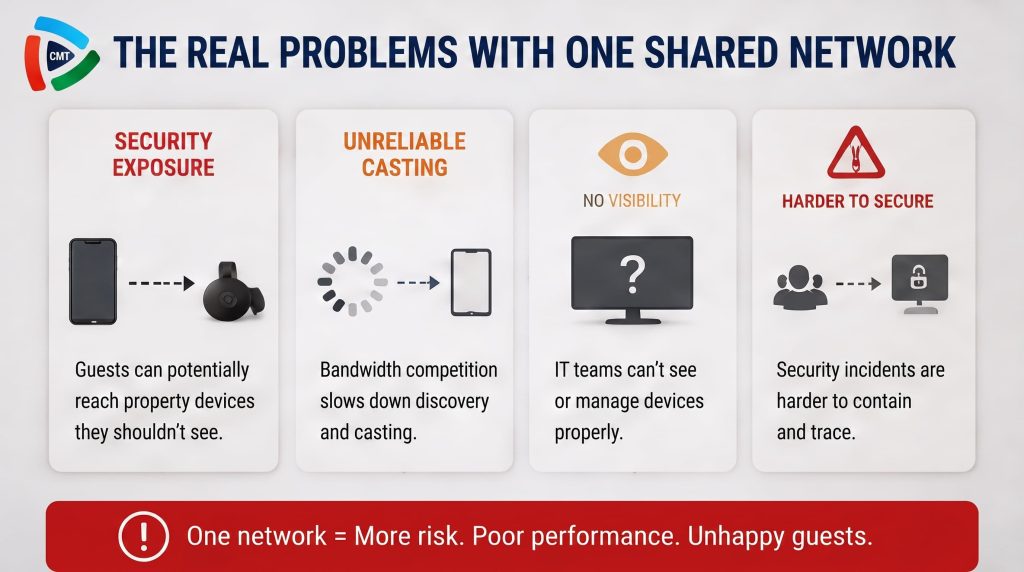
When guests and devices share a network, boundaries disappear. Guest phones can potentially reach property-owned hardware they should never see.
This overlaps closely with the chromecast security risks we covered previously, where poor isolation created real exposure.
A guest device does not need to be malicious to cause problems here. Even normal network activity can accidentally interact with hardware it was never meant to reach.
Security Exposure Between Guests and Devices
When guests and devices share a network, boundaries disappear. Guest phones can potentially reach property-owned hardware they should never see.
This overlaps closely with the chromecast security risks we covered previously, where poor isolation created real exposure.
A guest device does not need to be malicious to cause problems here. Even normal network activity can accidentally interact with hardware it was never meant to reach.
Unreliable Casting Performance
Shared networks mean shared bandwidth. Guest browsing, streaming, and downloads all compete with Chromecast discovery traffic.
As we discussed in our multi-room Chromecast setup post, this congestion causes slow discovery and inconsistent casting across rooms.
Here is a quick summary of what typically goes wrong:
- Guests and devices can potentially interact with each other
- Bandwidth competition slows down casting performance
- IT teams lose clear visibility into device-only traffic
- Security incidents become harder to contain and trace
What We Offer
Our Services
CMT Technologies delivers end-to-end connected solutions across hospitality, healthcare, broadcasting, telecom, and education. From IPTV and OTT streaming to Chromecast integration and digital signage, every solution is engineered around the real workflow of the industry it serves. Our systems are built to be reliable, scalable, and supported around the clock, so they keep working long after installation. Whether it’s a hotel room or a hospital ward, CMT brings the same commitment to performance and long-term support.

CMT Features
From personalized welcome screens and live TV to Chromecast, AI concierge, and digital signage, CMT’s Interactive Hotel TV System brings everything guests need onto one screen. Multi-language support, real-time hotel services, dining, weather, and entertainment work together for a seamless, connected stay.

CMT Achievements

Looking for the right technology solution for your business?
Talk to our team or request a demo to explore how CMT Technologies can support your goals.
How Two Separate Networks Solve This
Guest VLAN for Browsing and Personal Devices
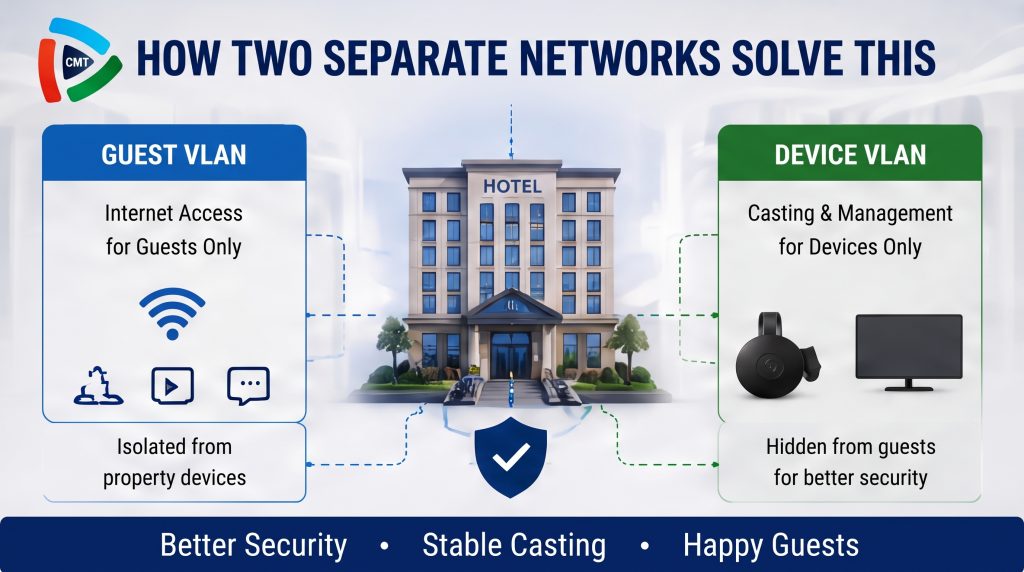
A dedicated guest VLAN handles internet access only. It stays completely isolated from property hardware, so guest devices never interact with Chromecasts directly.
This isolation alone removes most of the risk created by a shared, flat network.
Device VLAN for Chromecasts and Property Hardware
A separate device VLAN is reserved strictly for trusted hardware. It stays hidden from guests entirely, since there is no reason for guests to see or access it.
This hidden approach reduces both accidental connections and unauthorized access attempts.
How CMT Technologies Implements This Separation
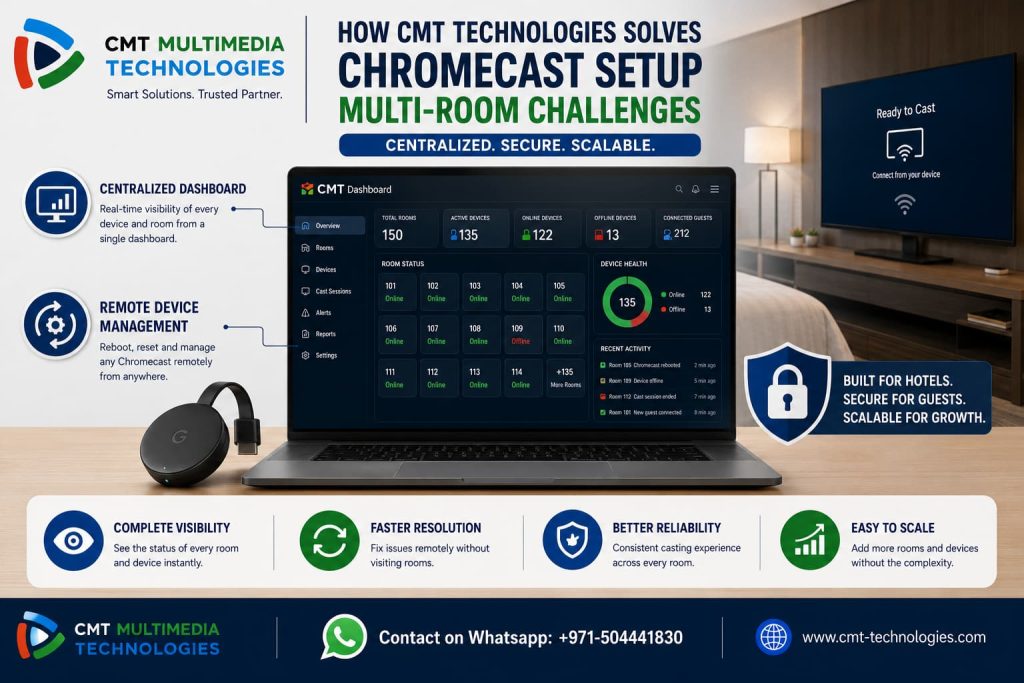
CMT Technologies builds this separation directly into every deployment using a dual-VLAN, dual-SSID architecture. One SSID handles guest browsing, mapped to the guest VLAN.
A second SSID, hidden from guests, handles Chromecast traffic on its own dedicated VLAN. Both networks maintain independent internet access, so neither one limits the other’s performance. This is the same architecture used in CMT’s Chromecast Solution deployments.
Guest WiFi vs Device WiFi Checklist for Properties
Use this checklist to evaluate your current network setup:
- Guest and device traffic run on separate VLANs
- Device network SSID is hidden from guests
- Both networks have independent internet access
- IT staff can monitor each network separately
- Casting performance is not affected by guest browsing traffic
For further reading on VLAN design principles, Cisco’s network segmentation guide covers similar concepts in depth. The Wi-Fi Alliance also publishes relevant standards for multi-network wireless environments.
Final Thoughts
Guest wifi vs device wifi is not a minor technical detail. It is a foundational design decision for any property running Chromecast at scale.
Properties that separate these networks avoid security gaps and casting failures from day one. See how CMT Technologies’ Chromecast Solution implements this separation correctly across every room.
Frequently Asked Questions
What is the difference between guest WiFi and device WiFi?
Guest WiFi serves guest-owned devices for browsing. Device WiFi serves property-owned hardware like Chromecasts, kept separate for security and reliability.
Can hotels use one WiFi network for everything?
Technically yes, but it creates real risks. Shared networks lead to security exposure and unreliable casting once Chromecasts are added.
Why does Chromecast need its own network?
Chromecast relies on stable, low-interference discovery to function correctly. A dedicated device network prevents guest traffic from disrupting this process.
How does CMT Technologies separate guest and device networks?
CMT uses two VLANs mapped to two SSIDs. One handles guest browsing, while a hidden SSID handles Chromecast traffic separately.
Does splitting networks affect internet speed for guests?
No, both networks maintain independent internet access. Guests experience normal browsing speeds unaffected by device traffic.