

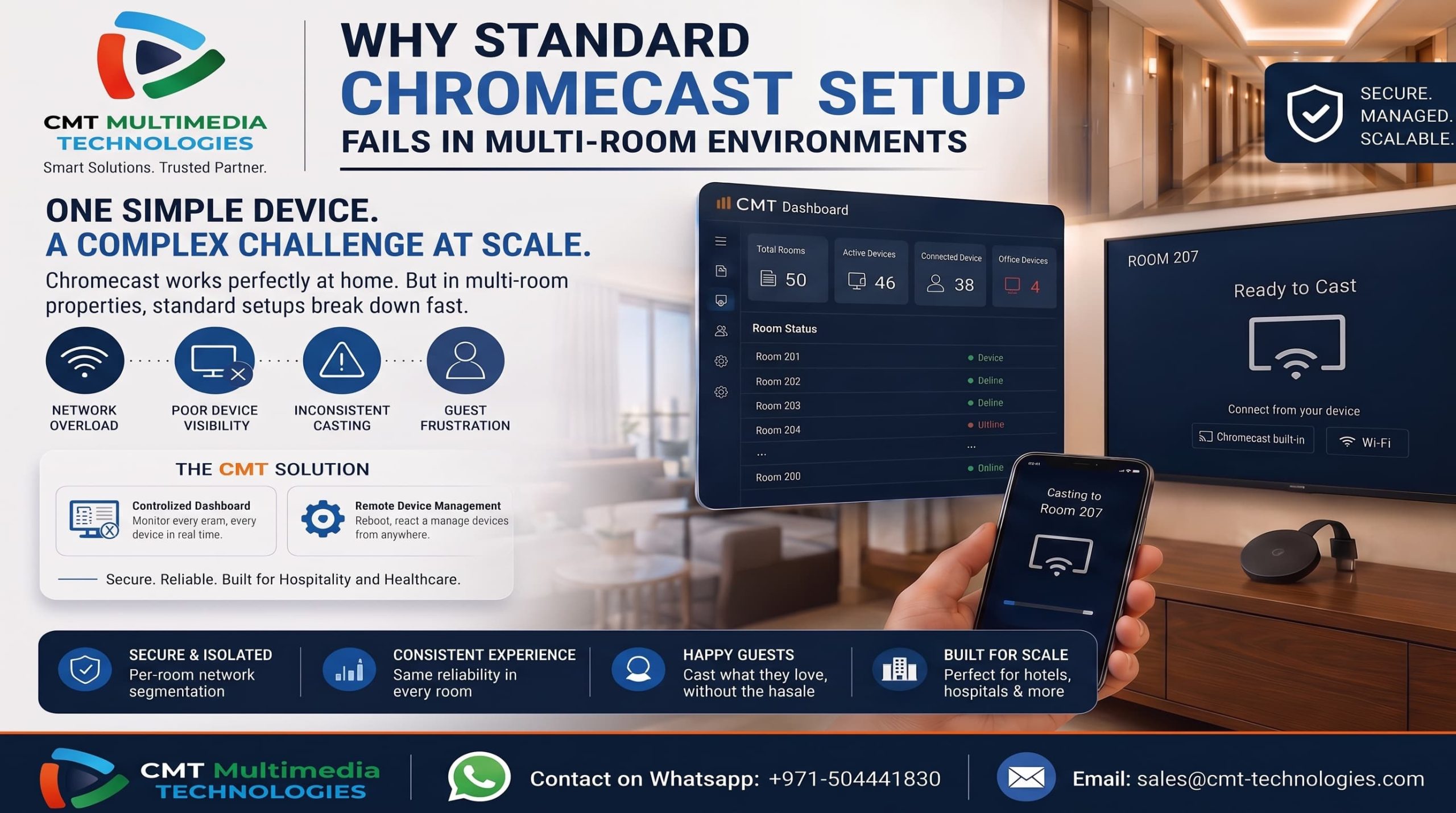
Why Standard Chromecast Setup Fails in Multi-Room Use
One Chromecast at home works perfectly. A family plugs it in, connects their phones, and casting just works every time.
However, that same simple logic breaks down fast across a fifty-room hotel. As we explained in our post on guest casting wrong room issues, standard setups were never built for shared spaces. Chromecast, according to Google’s own Cast developer documentation, was designed around trusted, single-household networks.
So, this blog explains why a standard chromecast setup multi-room deployment fails. It also covers what breaks first, and how properties can fix it at scale.
Understanding this difference matters before investing in any casting infrastructure. Otherwise, properties risk repeating the same mistakes as they add more rooms and more guests.
Why Chromecast Setup Multi-Room Deployments Differ From Home Use
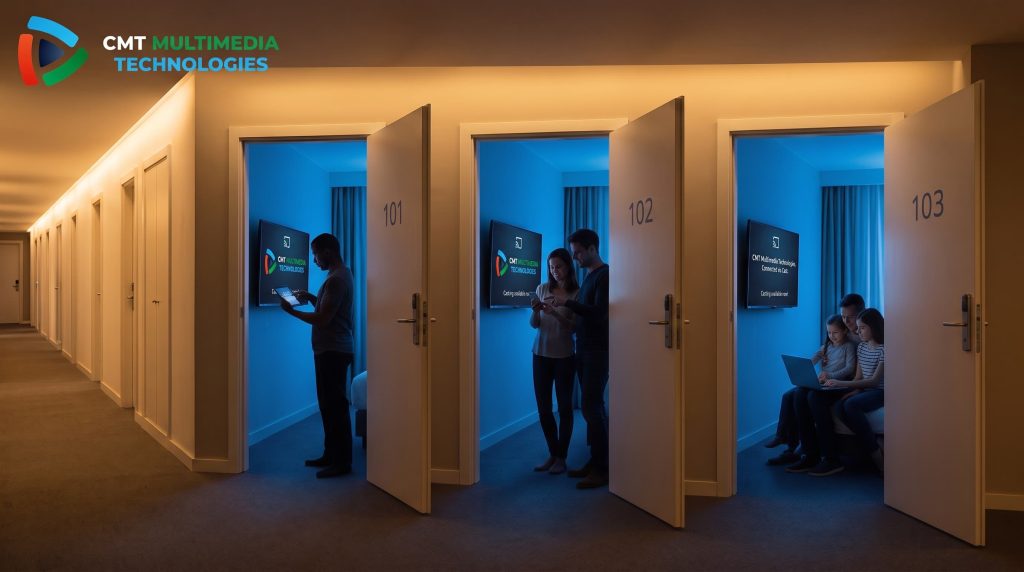
Chromecast was designed for one household on one trusted network. Every device in that home is known, and every user is trusted by default.
A multi-room property changes this completely. Instead of a handful of trusted devices, hotels and hospitals see hundreds of unknown ones daily. As a result, the same casting logic that works at home simply cannot hold up at scale.
Consider a fifty-room hotel during peak season. Every guest arrives with at least one device, and many bring two or three. That single household assumption behind Chromecast’s design gets stretched far beyond its limits, almost immediately.
This is not a flaw in the Chromecast hardware itself. Instead, it is a mismatch between the environment Chromecast was built for and the environment it now operates in.
What Breaks First in a Standard Chromecast Setup Multi-Room Deployment
Device Discovery Overload
Chromecast relies on network broadcasts to find nearby devices. This works fine with two or three Chromecasts on a network.
However, dozens of Chromecasts on one flat network create constant broadcast noise. Consequently, discovery slows down, connections misfire, and guests wait longer just to see their TV appear as an option.
This problem compounds during check-in hours, when many guests connect at once. Because every new device adds to the same broadcast traffic, peak times often produce the worst casting experience of the entire day.
No Central Way to Manage Devices
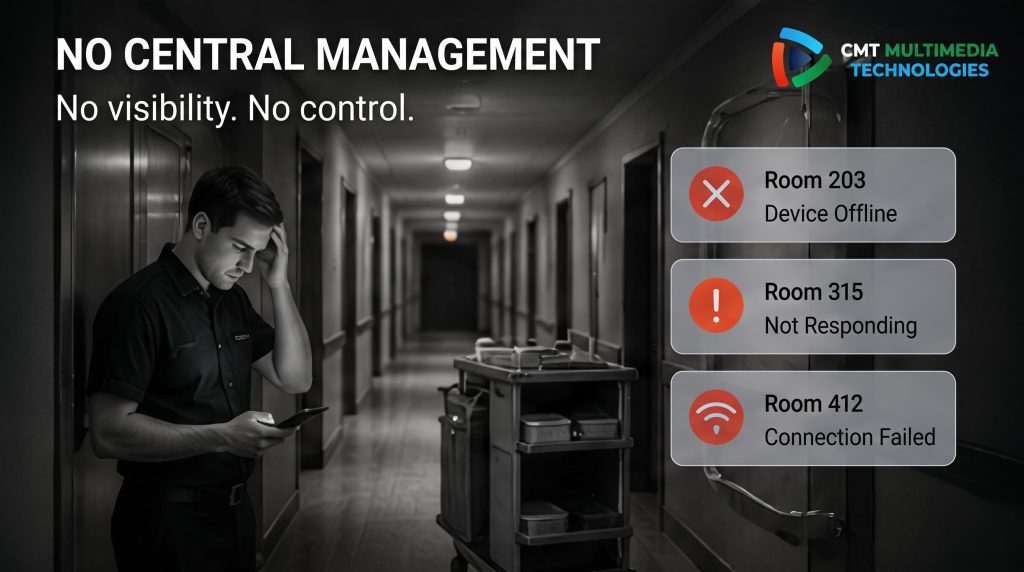
Consumer Chromecast has no built-in fleet management. Therefore, staff cannot see which devices are online, offline, or malfunctioning.
Without visibility, IT teams often learn about a broken Chromecast only when a guest complains. By then, the guest experience has already suffered.
This lack of visibility also makes basic maintenance harder than it should be. Instead of checking a dashboard, staff often walk room to room just to confirm a device is still working.
Here is a quick summary of what typically breaks first:
- Device discovery slows down as more Chromecasts join the network
- Devices become invisible to IT staff without central monitoring
- Casting reliability drops inconsistently from room to room
- Guests get a different experience depending on which room they’re in
This is closely related to the wrong-room casting problem, since both issues trace back to poor network isolation and a lack of device-level control.
The two problems often appear together in the same property. A hotel struggling with device discovery is frequently the same hotel where guests occasionally cast to the wrong screen.
Why This Matters More as Properties Scale
Hospitals Feel This Even Faster
A boutique hotel might grow into this problem slowly, room by room. A hospital does not have that luxury.
Patient rooms need reliability from day one. In fact, CMT’s deployment for Mediclinic Parkview Hospital shows why healthcare settings cannot tolerate guesswork. Every patient room must work the same way, every single time.
Unlike a hotel guest who might simply try again, a patient or caregiver expects the system to work without friction. Therefore, healthcare properties often need this reliability solved before the first patient ever arrives, not gradually improved afterward.
How CMT Technologies Solves Chromecast Setup Multi-Room Challenges
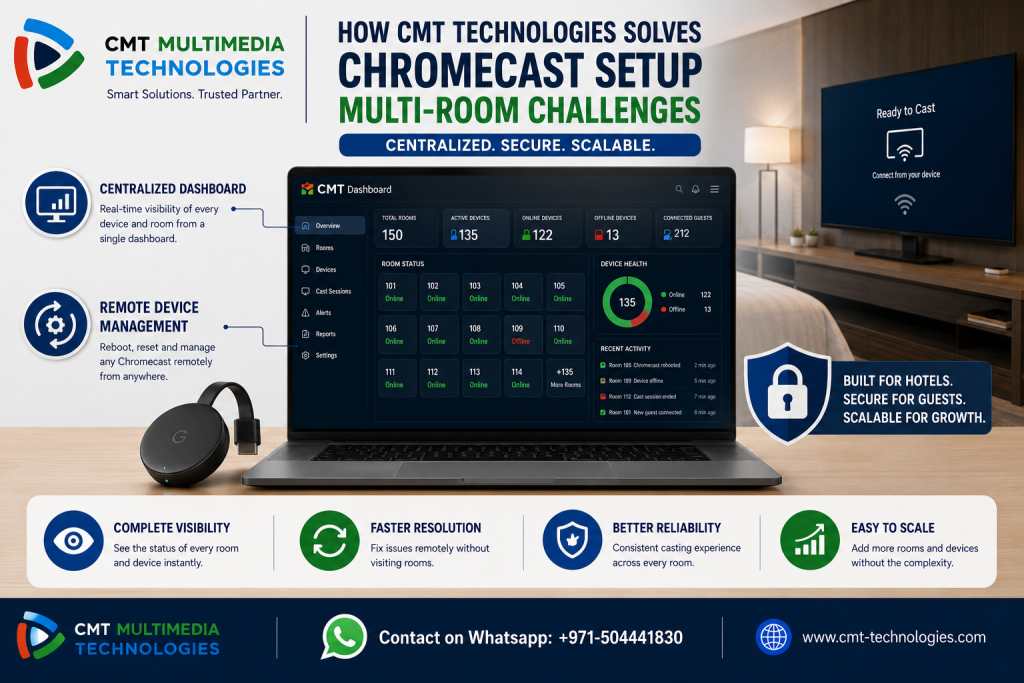
Centralized Dashboard for Every Room
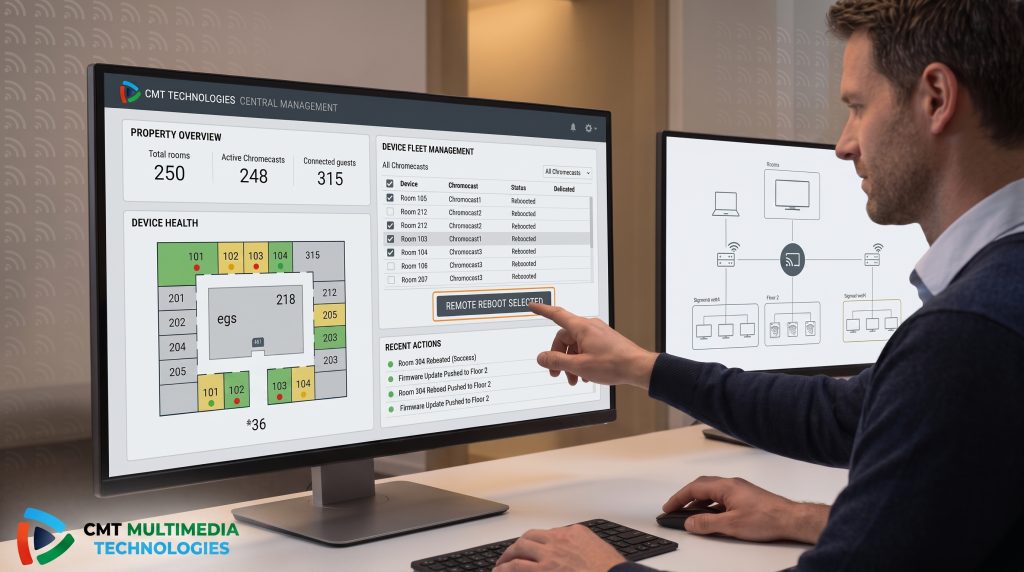
CMT’s admin dashboard shows total rooms, active devices, and connected guests in one view. This is the same architecture that closes many of the security gaps we covered previously.
As a result, IT staff always know exactly what is happening across the entire property, not just one room at a time.
This visibility also helps during audits or routine maintenance checks. Instead of guessing which devices need attention, staff can identify problem areas at a glance.
Remote Device Management at Scale
Staff can reboot or reset any Chromecast remotely, without a site visit. This directly solves the fleet management gap that standard consumer setups leave wide open.
So, a broken device in Room 24 gets fixed from the front desk, not from a maintenance cart.
This also reduces downtime significantly. Instead of waiting for a technician to arrive on-site, staff can resolve most issues within minutes, directly from the dashboard.
Chromecast Setup Multi-Room Checklist for Properties
Use this checklist to evaluate your current deployment:
- Network is segmented, not flat
- Devices are centrally visible and manageable
- Casting is consistent across every room
- IT staff can troubleshoot remotely
- System can scale as more rooms are added
For additional context on network scaling, Cisco’s guidance on network segmentation outlines similar principles for growing environments. Meanwhile, the Wi-Fi Alliance publishes general standards relevant to multi-device wireless deployments.
Reviewing this checklist against your current setup is a useful first step. Properties that fail more than one or two items are often already experiencing guest complaints, even if the cause has not been identified yet.
Final Thoughts
A standard Chromecast setup works well at home. However, it was never designed for hotel or hospital scale.
Properties that outgrow this setup need segmentation, visibility, and remote management. CMT Technologies builds all three into one solution. See how CMT Technologies’ Chromecast Solution handles multi-room deployments the right way.
Properties that wait too long to fix this often deal with a growing backlog of guest complaints. Addressing it early, before scale becomes a problem, is almost always the simpler path.
Frequently Asked Questions
Why doesn’t Chromecast work well in hotels with many rooms?
Standard Chromecast setups rely on flat networks and consumer-grade discovery. Therefore, they struggle once dozens of devices share the same network.
This issue grows worse as more rooms and guests are added over time.
Can a standard Chromecast setup scale to a large hotel?
Not reliably. Without segmentation and centralized management, larger deployments face discovery issues and inconsistent guest experiences. Most properties hit this wall sooner than expected.
What’s the difference between home and hotel Chromecast networks?
A home network trusts every device by default. A hotel network must isolate and manage hundreds of unknown devices safely.
How does CMT Technologies manage Chromecasts across many rooms?
CMT uses a centralized dashboard and remote device management. This lets staff monitor, reboot, and troubleshoot devices without visiting each room.
Is a multi-room Chromecast setup harder to maintain?
Yes, without the right architecture. However, purpose-built systems like CMT’s solution make multi-room maintenance simple and centralized.