

7 Best IPTV Apps for Samsung Smart TV (2026 Ranked) | CMT Technologies
Consumer IPTV Players vs. Enterprise Managed Platforms on Samsung Tizen
Samsung’s Tizen Smart Hub offers dozens of media player utilities. For residential viewers or single-screen offices, consumer apps such as IBO Player or IPTV Smarters Pro allow easy playlist loading via M3U URLs or Xtream Codes.
However, when managing multi-screen commercial environments like hotels, clinics, or serviced apartments, consumer applications introduce massive operational bottlenecks. Individual apps cannot sync with hotel PMS systems, lack central consoles to push fleet updates, and carry no licensed commercial broadcast agreements. For large installations, an enterprise managed solution is essential.
PMS-driven branded greetings, guest casting, and digital concierge ordering.
Infotainment portals with nurse-call links and instant emergency broadcasts.
Public lobby screens, corporate IPTV, and boardrooms managed from one console.
Zoned campus distribution, educational broadcasting, and channel whitelisting.
Turnkey headends, user-management middleware, and CDN edge delivery.
Multi-tenant channel packages updated remotely with zero room entry.
If you need help installing and configuring a player first, follow our step-by-step IPTV player setup guide for Samsung Smart TV.
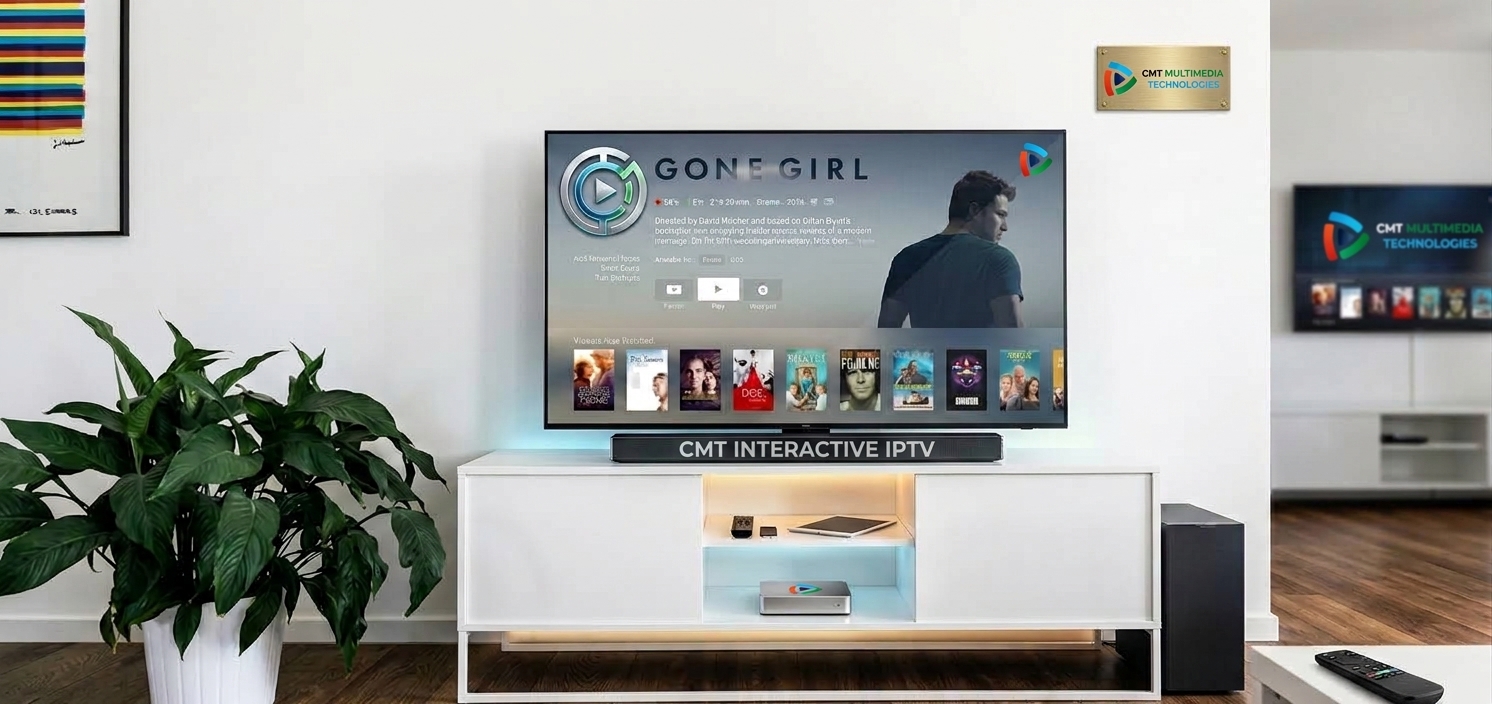
The 7 Best IPTV Apps for Samsung Smart TV (2026 Rankings)
Below are the top seven IPTV applications available for Samsung Smart TV running Tizen OS, evaluated on feature sets, performance, and scalability:
CMT Managed IPTV Middleware (The Best Enterprise Choice)
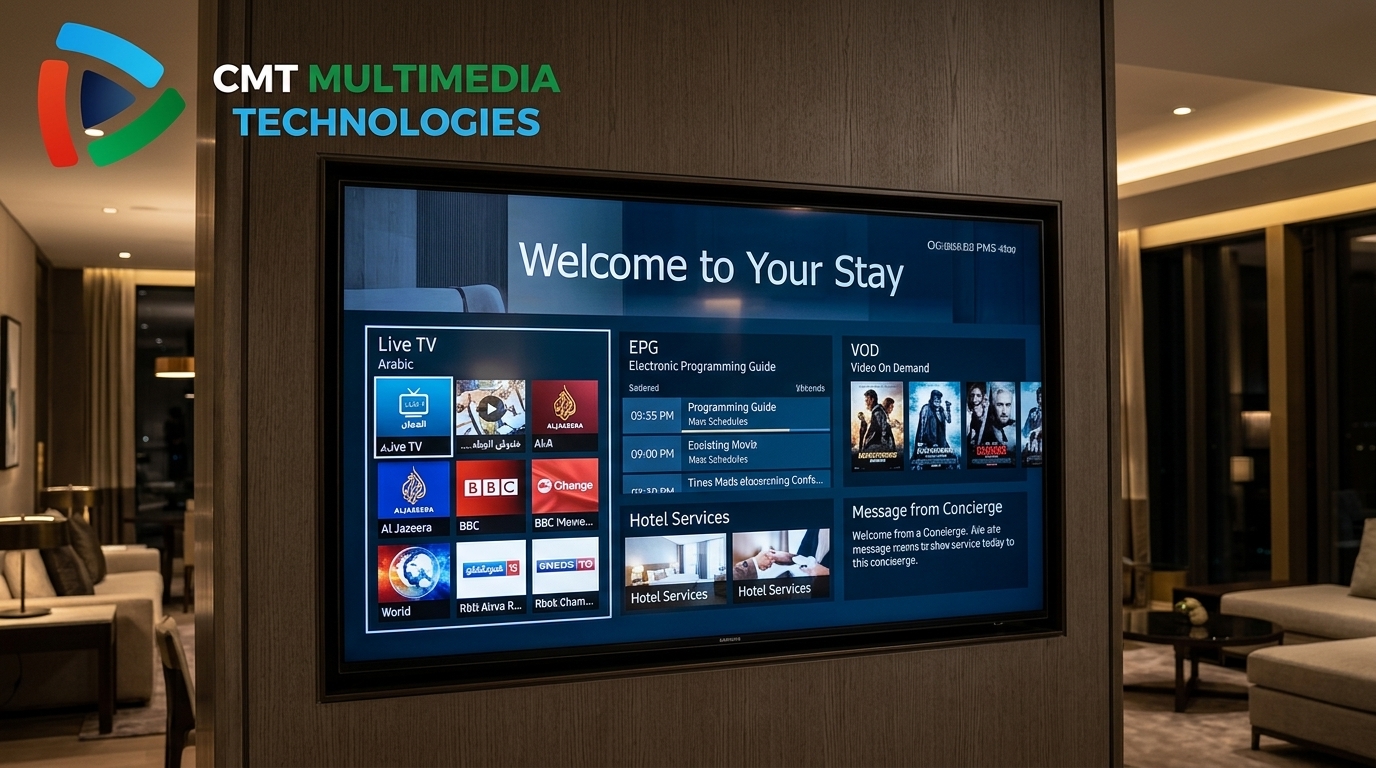
Why it’s #1: CMT Technologies delivers a native Tizen OS platform built specifically for commercial Samsung hospitality screens across the UAE, KSA, and GCC. Unlike standalone media players that require manual per-screen configuration, CMT’s middleware is fully managed from a central web console. It connects directly with Oracle Opera, Protel, and Cloudbeds PMS platforms, triggering automated guest welcome screens, personalizing channel lineups, and clearing viewer data at check-out. Supported by certified commercial TDRA/CST broadcast licenses and a strict 99.9% uptime SLA with local support teams in Dubai and Riyadh, CMT is the definitive choice for hospitality, healthcare, and enterprise campuses.
IBO Player Pro
IBO Player Pro is one of the fastest and most popular consumer players in the Samsung App Store. It activates using a Device ID and Device Key, allowing users to upload playlists via a web browser. The app delivers smooth 4K stream decoding, rapid channel switching, and robust EPG timeline management. However, because it lacks property management integration and multi-screen fleet controls, it remains suited primarily for residential use and private executive suites.
IPTV Smarters Pro
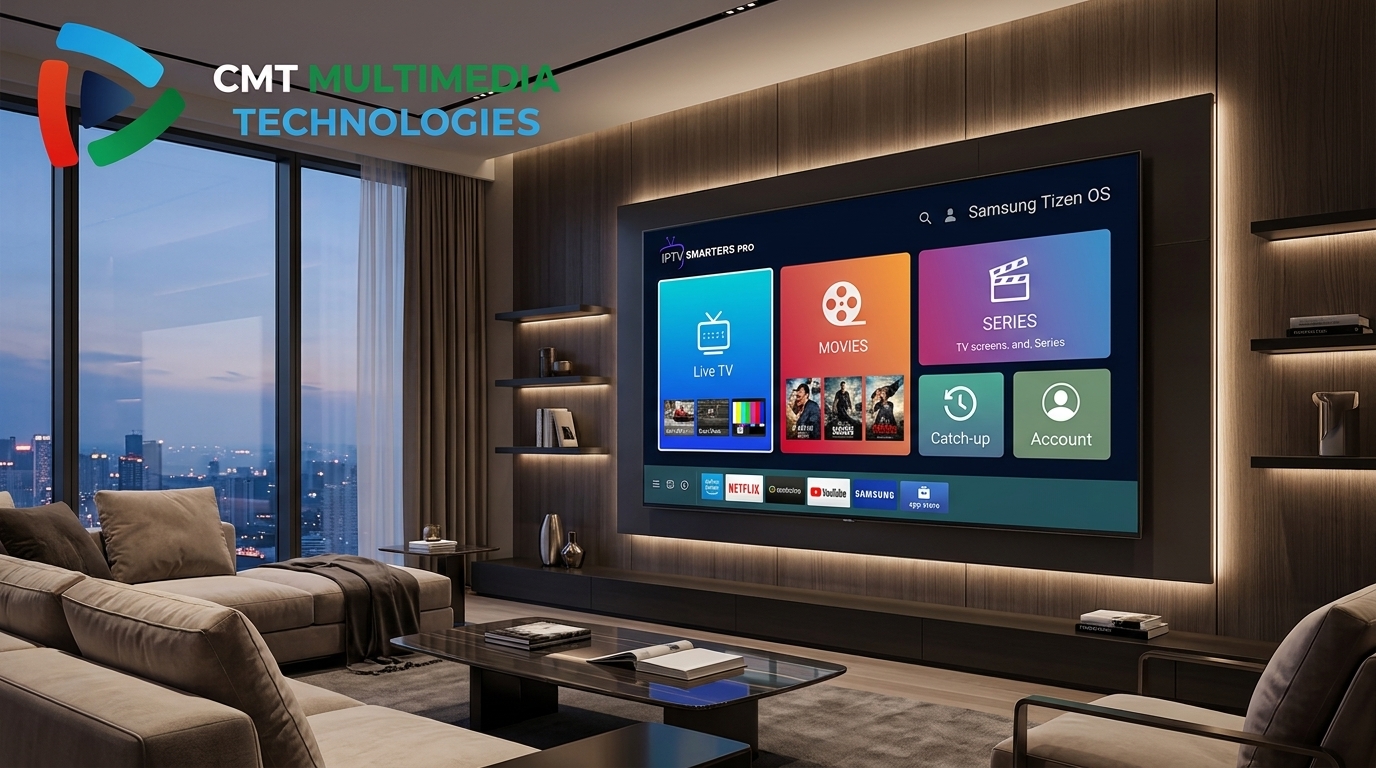
A household name in streaming, IPTV Smarters Pro is downloadable directly from the Samsung Tizen store. It features a modern interface supporting Live TV, Video on Demand (VOD), series catch-up, and multi-screen viewing. While volume licensing allows small boutique serviced apartments (under 30 screens) to distribute shared Xtream Codes credentials, it lacks central remote monitoring and emergency alerts.
SmartOne IPTV
SmartOne IPTV is an optimized media player tailored for Samsung Tizen and legacy Orsay screens. It offers multi-language support (including Arabic and English), fast channel zapping, parental controls, and custom playback buffer settings. Playlist management is handled remotely via its online portal using the TV’s MAC address, making it a reliable player for domestic streaming.
Nanomid Player
Nanomid Player is recognized for advanced playback security and smooth stream rendering on Samsung Tizen TVs. It features built-in VPN support, adaptive HLS bitrate handling, and QR-code activation via OTP. Users can organize extensive channel bouquets with minimal buffer lag. However, each screen requires an individual license fee and manual binding, which becomes cost-prohibitive for large properties.
Flix Pro IPTV
Flix Pro IPTV offers an intuitive, modern interface designed specifically for high-definition streaming on Samsung smart displays. Key strengths include clean subtitle management, multi-audio track switching, and personalized favorites grouping. While ideal for individual viewers seeking a clean, ad-free interface, it does not support enterprise distribution or broadcast compliance agreements.
Smart IPTV (SIPTV)
SIPTV is the historic pioneer of Smart TV streaming. Known for its lightweight footprint and traditional Freeview-style EPG grid, it remains a favorite for users who value minimalist menus. On newer Samsung Tizen models, it often requires manual sideloading via a USB widget. While dependable for single screens, its manual setup and lack of vendor support make it unsuitable for commercial operations.
Feature Comparison: Consumer Apps vs. CMT Enterprise Platform
This matrix compares standard consumer IPTV players with CMT Technologies’ enterprise managed platform across operational parameters:
| Platform | Samsung Tizen | Central Control | PMS Integration | Emergency Broadcast | Commercial License | Support SLA |
|---|---|---|---|---|---|---|
| CMT Technologies | ✓ Native Tizen | ✓ Unified Console | ✓ Opera/Protel/Cloudbeds | ✓ Instant Override | ✓ TDRA & CST Compliant | ✓ 99.9% (24/7 Local) |
| IBO Player Pro | ✓ Native App | Web Upload Only | ✗ Not Supported | ✗ Not Supported | ✗ Unlicensed | ✗ Community Only |
| IPTV Smarters Pro | ✓ Native App | Limited Scripting | ✗ Not Supported | ✗ Not Supported | ✗ Unlicensed | ✗ Ticket Base Only |
| SmartOne IPTV | ✓ Native App | Single MAC Upload | ✗ Not Supported | ✗ Not Supported | ✗ Unlicensed | ✗ None |
| Nanomid Player | ✓ Native App | Per-Device OTP | ✗ Not Supported | ✗ Not Supported | ✗ Unlicensed | ✗ None |
| Flix Pro IPTV | ✓ Native App | ✗ None | ✗ Not Supported | ✗ Not Supported | ✗ Unlicensed | ✗ None |
| Smart IPTV (SIPTV) | USB Sideload | Single MAC Upload | ✗ Not Supported | ✗ Not Supported | ✗ Unlicensed | ✗ None |
Commercial Broadcast Licensing Standards in the UAE and Saudi Arabia
Distributing video content across multiple hotel rooms, hospital suites, or public venues is classified as commercial transmission under GCC law. Consumer IPTV packages purchased online do not carry commercial public distribution rights.
In the UAE, the Telecommunications and Digital Government Regulatory Authority (TDRA) governs broadcast distribution. In Saudi Arabia, commercial media transmission is monitored by the Communications, Space and Technology Commission (CST). CMT Technologies holds authorized commercial carriage agreements in both markets, ensuring full legal compliance for your property.
Frequently Asked Questions
What is the best IPTV app for a single Samsung Smart TV at home?
What is the best IPTV solution for hotels and multi-room properties?
Can Samsung Smart TVs be managed centrally without entering rooms?
What network bandwidth is recommended for IPTV streaming?
Are IPTV deployments legal in the UAE and Saudi Arabia?
Elevate Your In-Room Television Experience
While consumer applications are suitable for individual viewers, enterprise hospitality and commercial properties require dependable, centrally managed systems backed by solid legal agreements.
CMT Technologies designs, installs, and manages enterprise IPTV networks across the Middle East. Explore our specialized hotel IPTV platforms in Saudi Arabia or review our hospital patient communication solutions.
Ready to Deploy Enterprise IPTV on Samsung Smart TV?
Consult with our regional hospitality engineers for a network readiness audit and custom platform demonstration.